The Game – Chaos, Meme, Mayhem
Looking for a game that breaks every rule and plays by none?
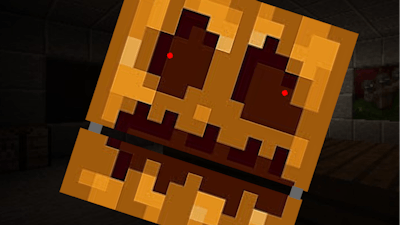
The Game is the chaotic, meme-worthy, and wildly addictive title that turns conventional gaming on its head. With zero real rules and a 2 Player mode that amplifies the fun, it's a digital playground where anything goes. Whether you're playing alone or teaming up with a friend, this Flash-based gem from
Pokid is all about random interactions, absurd scenarios, and pure entertainment. No learning curves. No tutorials. Just pure, unfiltered game.

Controls & Chaos
The beauty of
The Game lies in how easy it is to jump right in. Here's how you interact with this wild ride:
- Left and right arrow keys = Move
- Up arrow key = Jump
- Down arrow key = Duck
- Left-click = Interact with the button
That’s it. Simple. Yet, the unpredictable nature of the game means that every move can lead to a meme-worthy moment. With a 2 Player mode, you can test your reflexes against a friend or just laugh together as you accidentally trigger the most ridiculous scenarios. No need to overthink it—just play, react, and enjoy the absurdity.
Why You'll Keep Coming Back
What makes
The Game so addictive is its pure randomness. There’s no winning, no losing—just pure fun and creative chaos. Each session is different, and the Meme factor only grows as you play longer. The more you play, the more you’ll find yourself laughing at the unexpected twists and turns. Whether you're testing your skills in solo mode or challenging a friend in the 2 Player version,
The Game keeps things fresh and engaging. It's the kind of Flash game that you can't help but share—because everyone needs a little nonsense in their day.
If you're looking for a quick escape into madness, head over to
The Game and give it a spin. No rules, no pressure—just endless fun. And don’t forget to tag a friend for the ultimate 2 Player experience. This one’s a classic in the making, and it all starts at
Pokid.