Table Pong – Instant‑Hit Action for 2 Player Games
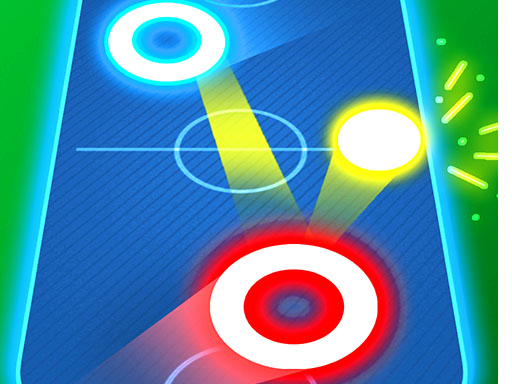
Table Pong drops you and a friend into a neon‑lit arena where a single ball rockets back and forth like a digital tennis match. No load screens, no fluff—just pure reflexes on a Mobile‑friendly layout. The moment you tap “play,” the ping‑pong war begins, and every rally feels like a showdown. If you crave quick, competitive bursts that fit into a coffee break, this is the title that won’t let you walk away.
How to Play
Controls are stripped down to the essentials, so you spend more time smashing the ball and less time hunting menus. Grab a keyboard or a touch screen and hit these inputs:
- Keyboard: Up arrow key
- Keyboard: Down arrow key
- Keyboard: Left arrow key
- Keyboard: Right arrow key
- Keyboard: W A S D
- Mobile: Arrow keys that appear on the screen

Winning Strategies & Addictiveness
Master the angle. Hitting the ball near the paddle’s edge sends it skidding across the table, forcing your opponent to scramble. Keep your paddle low for fast ground strokes, then surprise with a high loft to change the rhythm. The game rewards streaks: each consecutive return multiplies your score, and a perfect rally unlocks a pulsing glow effect on the paddle. Compete for the highest combo, and the leaderboard will keep you and your rival coming back for more.
Ready to dominate the digital court? Grab a friend, fire up Table Pong, and let the smash‑fest begin. Pokid built this fast‑paced 2 Player Games experience for anyone who lives for tight, high‑speed tennis action on the go. Hit play now and prove you’ve got the reflexes to own the arena.
Keyboard Up arrow key Down arrow key Left arrow key Right arrow key W A S D Mobile Arrow keys that appear on the screen