Skateboard Challenges – Fast‑track Your Skills
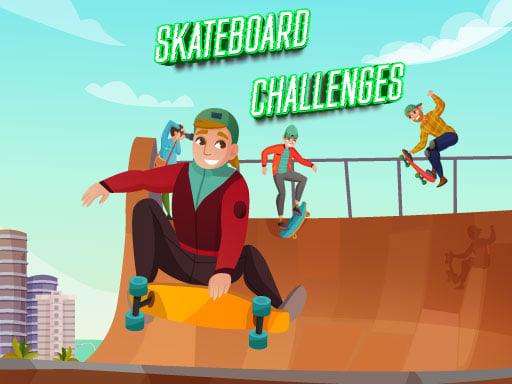
Skateboard Challenges drops you into a relentless 2D arena where every second counts. The hyper‑casual premise is simple: nail the jump, beat the timer, and crush the next obstacle. It’s an online showdown that rewards reflexes and precision, turning casual play into an addictive sprint for high scores. Powered by HTML5, the game runs smooth on any browser, so you can skate any device without a download. If you love quick bursts of action and love seeing your name climb the leaderboards, this is the next level of skating you’ve been waiting for.
Mechanics
Controls are stripped down to the essentials, letting you focus on flow instead of button combos.
- Desktop Use the right click button to jump
- Mobile Tap on the screen to jump
- Controls and indicators Upper left side of the screen has the pause button
- The scores and levels are shown in the upper middle of the screen
Strategy
Mastering Skateboard Challenges isn’t about memorizing every jump; it’s about reading the level rhythm. Start each run by timing your first hop to hit the optimal launch point—this sets the momentum for the entire sequence. Watch the upper‑middle score tracker; a steady rise means you’re chaining combos, which multiplies points exponentially. When the pace spikes, slow your tap cadence just enough to keep balance; over‑clicking will send you crashing into the edge. Upgrade your avatar’s grip by completing daily online missions; each upgrade reduces jump lag, letting you shave precious milliseconds off every run. Finally, study the pattern of obstacles—most levels repeat a core set of ramps and rails, so recognizing them early lets you anticipate and react before the timer even starts ticking.
Kick the grind into high gear now. Hit the link, jump in, and show the community why you belong at the top of the Skateboard Challenges leaderboard. The streets are waiting, the scores are waiting, and Pokid has your next adrenaline rush locked and loaded.
Desktop Use the right click button to jump Mobile Tap on the screen to jump Controls and indicators Upper left side of the screen has the pause button The scores and levels are shown in the upper middle of the screen