Shark Hunting: Get Your Gun Ready for Action
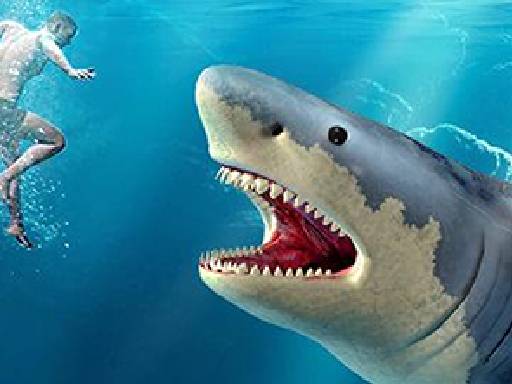
Are you ready for an adrenaline-packed experience? In Shark Hunting, you'll take on the role of a fearless hunter, armed with a powerful gun and a mission to take down the ocean's top predator - the shark. With Pokid, you'll immerse yourself in a world of action-packed shooter games that will put your skills to the test. The game is designed for all types of users, and it's an excellent way to improve your timing and decision-making abilities.
Mechanics: Mastering the Controls
To succeed in Shark Hunting, you'll need to get familiar with the controls. The game is designed to be easy to pick up, but challenging to master. Here's a rundown of the key commands:
- Move the mouse to move the gun
- Right mouse - Zoom
- Left Mouse click - Shoot
- Mouse scroll - Change weapon
Strategy: Tips for Shark Hunting Success
As you venture into the world of Shark Hunting, you'll need to develop a strategy to take down those pesky sharks. Here are some tips to get you started: focus on your aim, choose the right weapon for the job, and don't get too close to your target. As you progress through the game, you'll encounter bigger and more aggressive sharks, requiring you to adapt your tactics on the fly. With Pokid's Shark Hunting game, you'll experience the thrill of a shooter game like no other.
If you're ready to put your skills to the test and experience the rush of Shark Hunting, check out the game and start playing today! For more action-packed games like Shark Hunting, be sure to visit Pokid and explore our collection of exciting shooter games.
Move the mouse to move the gun Right mouse - Zoom Left Mouse click - Shoot Mouse scroll - Change weapon