Click to play
x
Controls
PC Left and Right Arrows Mobile Tap left screen or right screen
Run Run 3D Challenge








Click to play
This game is not available on mobile.


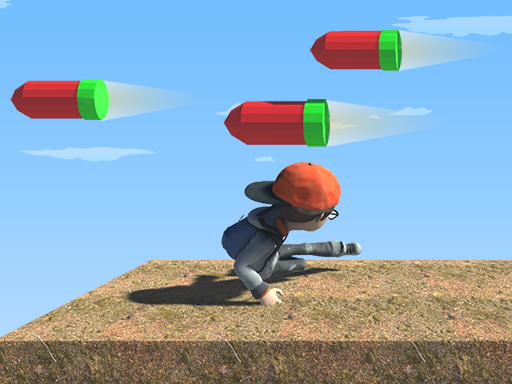
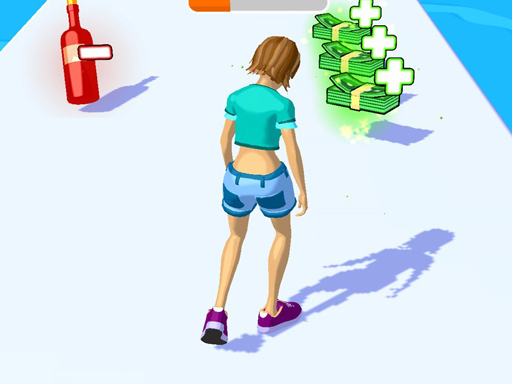
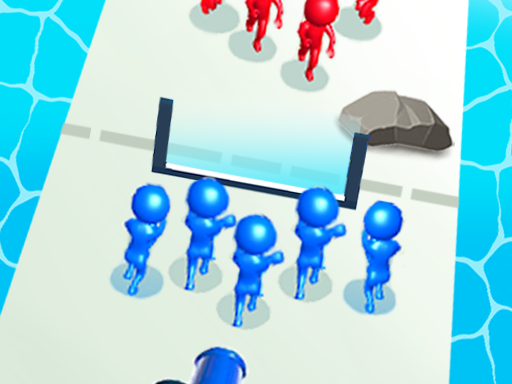
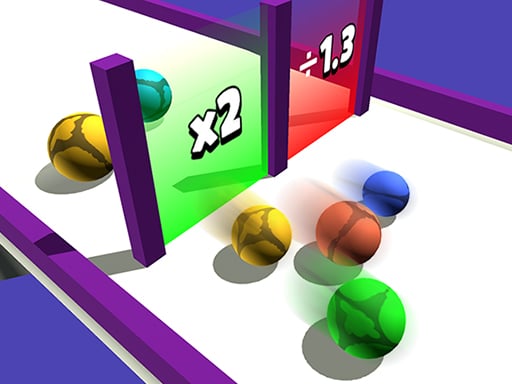
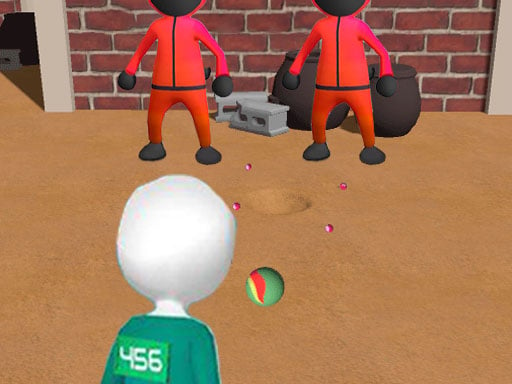
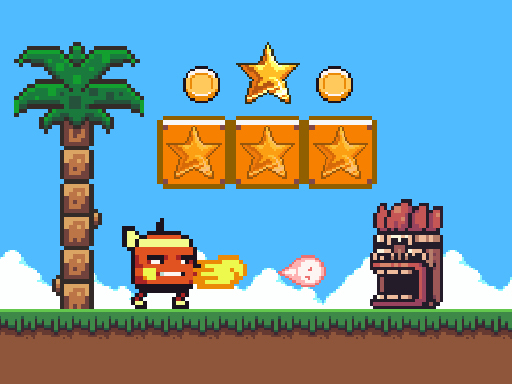
Get your heart racing with Run Run 3D Challenge, the side‑scrolling 3D runner that turns every tap into a heart‑thumping sprint. Picture a neon‑lit cityscape, obstacles popping up at breakneck speed, and a tiny hero who must dodge, slide, and jump to stay alive. If you crave fast‑paced action, this game delivers pure adrenaline, and the addictive loop keeps you coming back for more. The world feels alive, the soundtrack pulses, and the challenge grows with each level—ready to prove your skill?
Master the core controls and keep your momentum:
Beyond reflexes, strategy matters. Each level hides power‑ups that boost speed or grant temporary invincibility. Timing your jumps to sync with the rhythm of the music unlocks bonus points, while collecting all stars in a stage unlocks a hidden bonus run. The game tracks your best times, so you can shave seconds off and climb the global leaderboard. The progression system rewards consistency: complete a streak of 10 runs and you earn a new character skin. These layers of skill and replayability keep the gameplay fresh and give you a reason to keep pressing those keys.
Join the community on Pokid and challenge friends to beat your record. Download Run Run 3D Challenge now, and let the side‑scrolling adventure test your speed, reflexes, and strategy. The next level is just a tap away—are you ready to run?





















