Controls
- W A S D or arrow keys to walk
- Left mouse button to shoot
- Right mouse button to aim
- Mouse wheel to change weapon
- G for grenades
- R to reload
- F to pick up an item
- Left shift to run
- Left Ctrl to crouch
- X to prone
- V to melee
- Space bar to jump
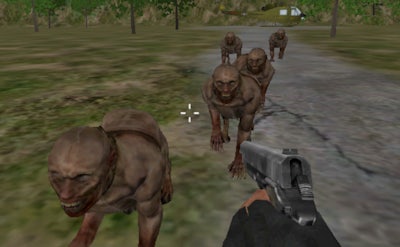


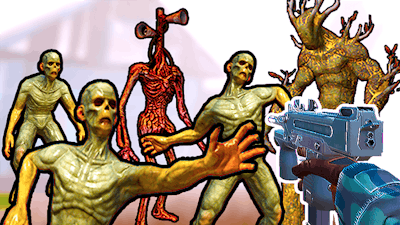
Dark corridors, flickering lights, and the stench of decay set the stage for a relentless Horror showdown. A lone operative is dropped into a crumbling manor that feels ripped straight from a classic Halloween nightmare. No backup, no rescue—just you, a gun, and an army of relentless Zombie threats. Survive the night, uncover the twisted secret, and prove the Mission isn’t a suicide pact.
Master the frantic pace of this FPS with a clean, 3‑axis layout. Every button maps to a life‑or‑death action.
Strategy hinges on resource control and positional play. Conserve ammo by switching to melee when hordes cluster; grenades clear tight rooms in a single burst. Keep an eye on the ceiling vents—many enemies drop from above, so maintain vertical awareness. Upgrade your arsenal at scattered supply lockers; a shotgun clears corridors, while a scoped rifle buys distance against the faster Zombie variants. The longer you survive, the more the mansion reveals: hidden passages, lore notes, and tougher AI that forces you to adapt your loadout on the fly. This loop of discovery and escalation makes each 3D run feel fresh.
Ready to test your nerves? Grab Residence of Evil now and see if you can outshoot the darkness. Pokid built this nightmare for players who crave raw, pulse‑pounding action—no tutorials, just pure terror and skill. Load your gun, lock the doors, and show the mansion who’s boss.