Rebel Wings – Pokid’s Side‑Scrolling Space Shoot ‘Em Up
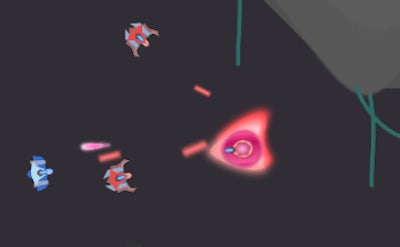
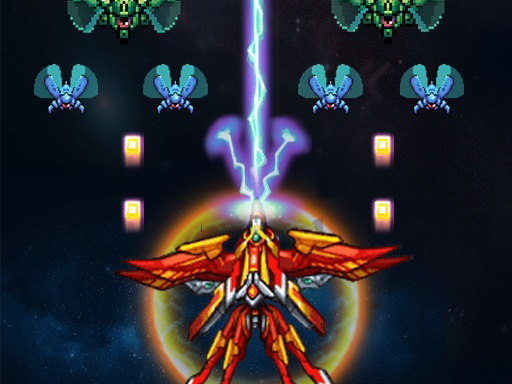
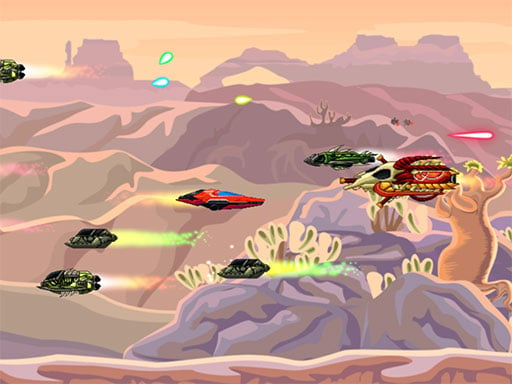
Rebel Wings throws you into a relentless 1 Player campaign set in a neon‑lit galaxy. Your ship darts across 16 hand‑crafted levels, blasting laser streams, homing missiles, and massive bosses that dance to their own patterns. Every wave drops health packs, bomb upgrades, and scrap metal—your currency for ship upgrades. The game runs on HTML5, so it feels native on Android, iPhone, iPad, and any Mobile browser. Fast‑paced action, crisp pixel art, and a soundtrack that pumps adrenaline make each run feel fresh. Pokid built this title to reward skill, not luck.
Rebel Wings Controls
Master the cockpit with two control schemes. Choose the one that fits your play style and dominate the side‑scrolling battlefield.
- Desktop browsers: Use WASD or ARROW keys to steer. Hold Shift to launch a missile.
- Mouse: Click to pick levels or to buy ship parts in the hangar.
- Mobile browsers: Two movement options are available—tilt control or on‑screen joystick. Select your favorite in the settings.
Rebel Wings Strategy
Progression hinges on scrap collection. Destroy enemy ships, harvest their parts, then spend the loot in the upgrade bay. Prioritize missile capacity early; bosses love to swarm. Learn each boss’s movement loop—most have a predictable pause that opens a safe window for a bomb. Keep an eye on the health bar; a single stray laser can end a run. Replay levels to perfect timing, chase higher scores, and unlock secret ship skins. The loop of upgrade‑then‑challenge‑then‑upgrade keeps the adrenaline high.
Jump into the action now. Rebel Wings delivers pure arcade thrills on any device, and Pokid guarantees smooth performance across the board. Install, fire, dominate.
On desktop browsers use WASD or ARROW keys to move X of Shift key to launch missile Use the mouse to select levels or select which part of your ship to buy in hangar On mobile browsers there are two options to move the players ship which you can choose