Controls
Player 1
- WASD = move
- F = action
Player 2
- Arrow keys = move
- L = action
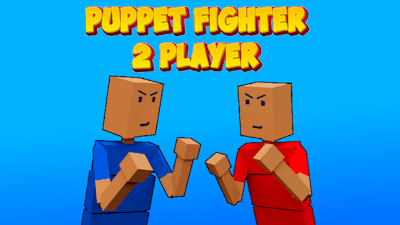


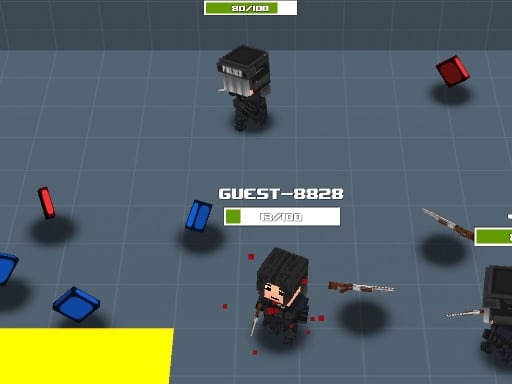
Grab a buddy and dive straight into a chaotic 3D battle arena where every punch feels like a physics experiment gone wild. The minimalist graphics keep the focus where it belongs—on the frantic fighting, the laugh‑out‑loud moments, and the brag‑worthy victories. Pokid crafted this short‑run smash to prove that simple controls can still deliver a high‑octane, Lol‑inducing experience.
Master the 2 Player arena with razor‑sharp inputs and unpredictable ragdoll physics. Each fighter reacts instantly, making timing the only true advantage.
Strategy isn’t about memorizing combos—it’s about reading the opponent’s physics‑driven swings and exploiting arena hazards. Keep the fight near the walls to bounce attacks back, and use the sudden pauses to reset your position. A well‑timed action can turn a losing scrap into a spectacular knockout. As you rack up wins, the arena subtly shifts, adding new obstacles that force you to adapt on the fly. The deeper you go, the more the game rewards aggressive play and clever positioning.
This isn’t a solo grind; it’s a pure 2 Player fighting test that thrives on local competition. The fast‑paced matches are perfect for quick sessions, yet the evolving physics keep each round fresh. Whether you’re settling a rivalry or just looking for a laugh‑filled break, the arena delivers nonstop action. Puppet Fighter 2 Player proves that a compact design can still pack a massive punch.
Ready to throw down? Fire up the game, grab the controls, and let the physics do the talking. The arena awaits—dominate, laugh, and claim bragging rights as the ultimate puppet master. Play now and see why Pokid’s latest fighting hit is the go‑to choice for anyone who loves fast, funny, and fiercely competitive 2 Player battles.