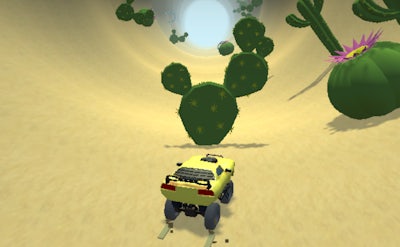
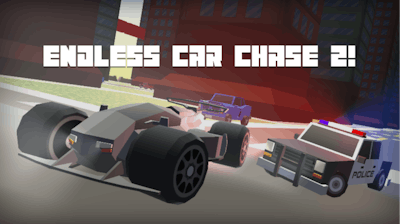
Controls
- Arrow keys: car steering
- Space bar: handbrake
- Left ctrl: nitro
- Escape: toggle pause menu
- C to switch camera views
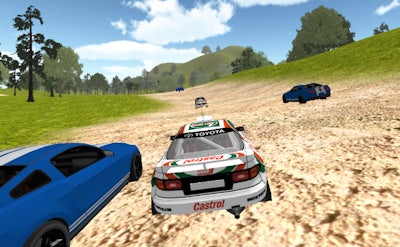


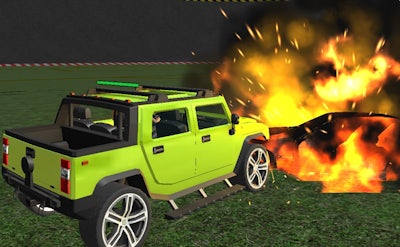
Prepare to feel the rush of adrenaline as you tear through treacherous off-road terrain in Offroad Racer, the latest addition to Pokid's lineup of exciting 3D games. As a rally car driver, you'll be tasked with navigating grueling dirt tracks in stunning locations, from rugged mountains to dusty deserts. Your goal: to be the ultimate driver by crossing the finish line first and proving your skills against the competition.
But it's not just about raw speed – strategy also plays a crucial role in Offroad Racer. To navigate the treacherous terrain, you'll need to master the art of drifting, using the right combination of steering, braking, and acceleration to maintain control and gain an edge over your opponents.
So, how do you play? It's easy: just use the right arrow key to steer your car, the space bar to engage the handbrake, and the left Ctrl key to give your engine a nitro boost. Press Esc to pause the game and review your progress, and use C to toggle between camera views for a better look at the track ahead. With intuitive controls and heart-pumping action, Offroad Racer is the perfect game for fans of 3D racing and car games.
But don't just take our word for it – check out the full version of Offroad Racer today and discover why Pokid is the go-to destination for gamers looking for high-quality, engaging experiences. Visit Pokid to explore our full lineup of games and start playing now!
Don't wait – head straight to Offroad Racer and start racing your way to the top today!