Need for Race – The adrenaline‑pumped sprint you can’t ignore
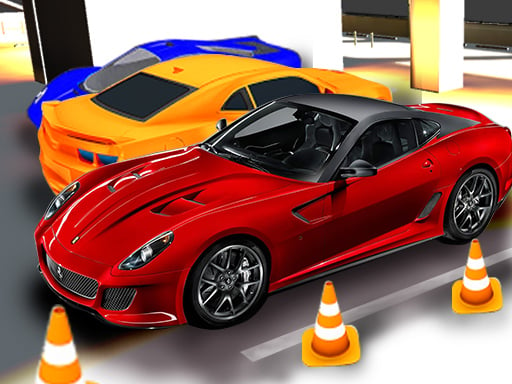
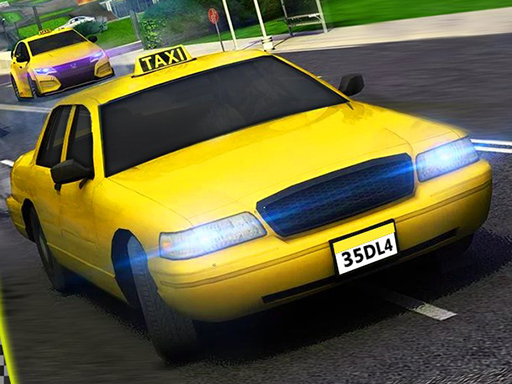
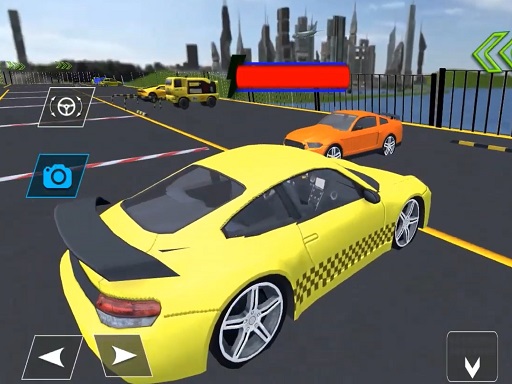
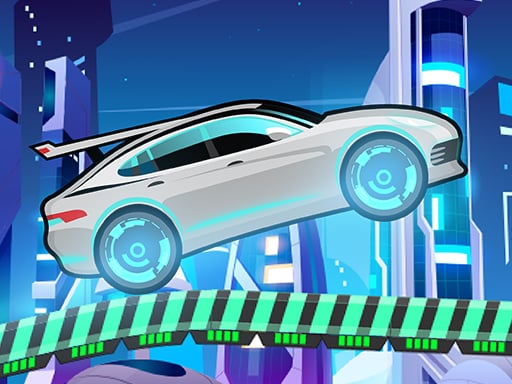
Speed addicts, this is your arena. A sleek car roars down an endless road, every second a test of nerves. Miss a turn, crash, and the momentum dies. Keep the wheel steady, dodge obstacles, and watch your speed skyrocket. On mobile you control a vehicle that never stops demanding more. Pokid built a pure racing loop that rewards flawless driving with insane high‑score bragging rights.
Need for Race – Mechanics
The control scheme is stripped down to the essentials, so you can focus on the rush. Tap, swipe, or press – the car reacts instantly.
- The car moves automatically
- Clicking on the right side of the screen allows you to turn it to the right
- clicking on the left side of the screen makes a left turn
- You can also turn using the A D keys or the right and left arrows on the keyboard

Need for Race – Strategy
Winning isn’t about raw reflexes alone. Start by mastering lane changes. The game throws tighter gaps as you survive longer; anticipate the next obstacle a beat ahead. Keep your supercars centered to preserve momentum – drifting costs precious seconds. Upgrade your Cars by racking up distance; each milestone unlocks a faster engine or tighter handling. On the road you’ll encounter moving barriers, sudden jumps, and narrow tunnels. Use the right edge taps for quick sweeps around traffic, and the left side for aggressive cuts. When you feel the rhythm, switch to keyboard arrows for laser‑precise inputs. Remember: the longer you stay in the race, the higher the speed multiplier, and the more points you earn toward exclusive skins. Keep an eye on the speedometer – once you break the 200 km/h mark, the game rewards you with a burst of nitro that can shave seconds off the next segment. Play daily to claim bonus challenges that push you into new speed brackets.
Feel the rush, dominate the leaderboard, and prove you’re the fastest on the planet. Hit the start button now and make every second count in Need for Race. Pokid’s high‑octane masterpiece awaits your command.
The car moves automatically Clicking on the right side of the screen allows you to turn it to the right clicking on the left side of the screen makes a left turn You can also turn using the A D keys or the right and left arrows on the keyboard