Click to play
x
Controls
Use your mouse or touch the screen to play
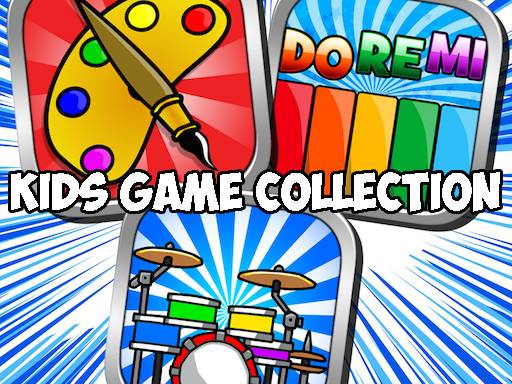
Kids Games Collection














Click to play
This game is not available on mobile.


Parents love a family-friendly sandbox that keeps kids busy, and kids love a menu that never says “stop.” Kids Games Collection delivers that perfect balance. A mash‑up of piano, drawing, coloring, and drum sessions, the suite feels like a mini‑studio tucked into a single app. Whether a kid is learning to draw a dinosaur or tapping a beat on a virtual drum, every activity feels fresh and rewarding. The result? Hours of educational fun that feels less like a lesson and more like play.
Getting started is as simple as a click. The interface is built for tiny fingers and curious minds.
Mastering the suite isn’t about grinding; it’s about exploring. Start with the piano to get a feel for rhythm, then jump to the drums for a burst of energy. In the drawing module, experiment with different brushes – the thicker the line, the louder the applause from the built‑in audience. Color‑blocking large sections earns extra points, but mixing shades unlocks secret “rainbow” stamps that kids love. Keep an eye on the star meter; once it fills, new song packs and drawing templates drop, encouraging longer sessions without feeling repetitive.
Ready to turn screen time into skill time? Grab Pokid’s Kids Games Collection now and watch your little ones create, compose, and color their way through endless fun. The next masterpiece or chart‑topping beat is just a tap away.





















