








































Kaleidoscope – A Color‑Mad Playground
Pokid drops a tool that flips ordinary drawing into a visual high‑score. You spin, you color, you watch patterns explode in real time. No fluff, just pure, addictive art that feels as relaxing as a night‑mode session and as intense as a speedrun. If you love art that reacts to every click, this is the sandbox you’ve been hunting.
Kaleidoscope Controls – Simple, Fast, Mouse‑Driven
Controls are built for the mouse‑heavy crowd. Pick a hue, drag a line, watch the symmetry lock in. Keyboard shortcuts let you swap tools without breaking flow.
- Left‑click + drag: draw a line or shape.
- Right‑click: erase the last stroke.
- Scroll wheel: zoom in/out for precision coloring.
- Ctrl + Z / Ctrl + Y: undo / redo instantly.
- Space bar: pause the kaleidoscopic animation.
Strategy & Addictiveness – Keep the Patterns Growing
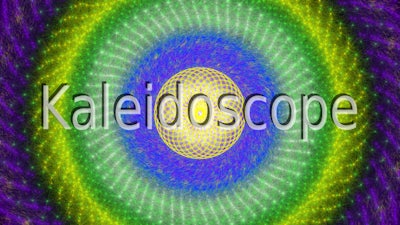
Start with a single color and a bold shape. The engine mirrors every stroke across eight axes, so a simple line becomes a complex mandala in seconds. To stay hooked, chase three goals: fill the canvas with a gradient palette, lock a symmetry level that maximizes visual density, and beat your own time for a full‑screen render. The more layers you stack, the richer the drawing feels. Save your best sessions, load them later, and tweak the mouse sensitivity for smoother curves. The progression loop is endless – each session spawns a fresh challenge.
Ready to turn your mouse into a color cannon? Jump into Kaleidoscope now and let Pokid’s engine turn casual doodles into a hypnotic art showcase. One click, endless patterns – that’s the promise.