Hidden Objects Halloween Stroll – Spooky Hunt for One Player
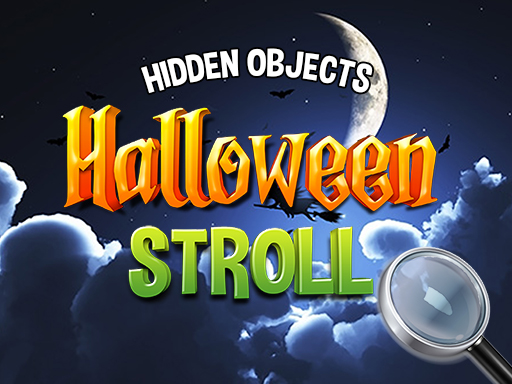
Night falls, the streets glow with orange lanterns, and a mischievous witch prowls the alleys. Hidden Objects Halloween Stroll puts you in the middle of that eerie scene. You’re the lone explorer, a 1 Player adventurer in a crisp 2D world built on HTML5. The goal? Spot every creepy item before the clock ticks out. Miss a clue and the shadows win. Nail every level and you’ll feel the rush of a true Halloween triumph.
Mechanics
Controls are razor‑sharp, perfect for quick taps on mobile or clicks on desktop. The interface is clean, letting you focus on the hunt.
- List of objects to find is on the left side of the screen
- Find them on the scene before the time runs out
- If you get stuck tap on the hint button
- Use magnifying glass button to zoom the scene you can also drag the screen around in this mode
Strategy
Winning isn’t just about speed; it’s about savvy. Start each level by scanning the perimeter. The witch’s silhouette often hides in plain sight—look for subtle shapes and familiar Halloween motifs. Prioritize items that sit near the edges; they’re easier to grab and free up screen space for tighter clusters. When the timer feels tight, switch to the magnifying glass. Zooming in reveals hidden corners and faint outlines that your eyes might miss at full view. Keep the hint button as a safety net, but use it sparingly to preserve your score multiplier. As you progress, levels add more objects and tighter time limits, so sharpen your pattern‑recognition skills early. The more you play, the faster you’ll spot the spooky details, turning each round into a satisfying sprint.
Ready to prove you’ve got the keen eye of a Halloween hunter? Jump straight into Hidden Objects Halloween Stroll and chase every phantom clue. Your adventure is waiting—grab the game, tap the hint when you need it, and let the witch’s laughter echo as you dominate each level. For more thrilling titles, swing by Pokid and explore the full lineup.
List of objects to find is on the left side of the screen Find them on the scene before the time runs out If you get stuck tap on the hint button Use magnifying glass button to zoom the scene you can also drag the screen around in this mode