Controls
- WASD: move
- Left mouse button: fire
- Right mouse button: aim
- Space bar: jump
- F: pick weapon/ use item
- Tab: pause
- Number keys: switch weapon
- C: switch between third-person and first-person view
- Ctrl: crouch


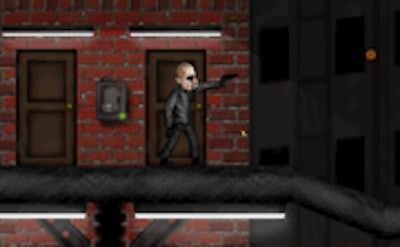
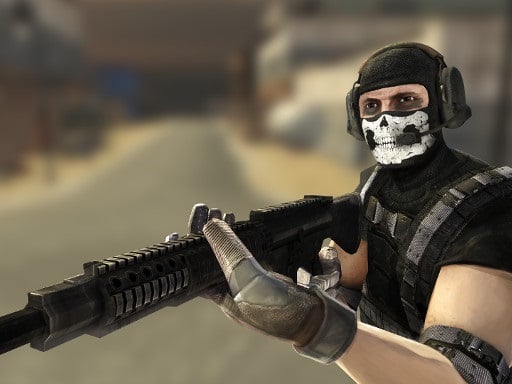
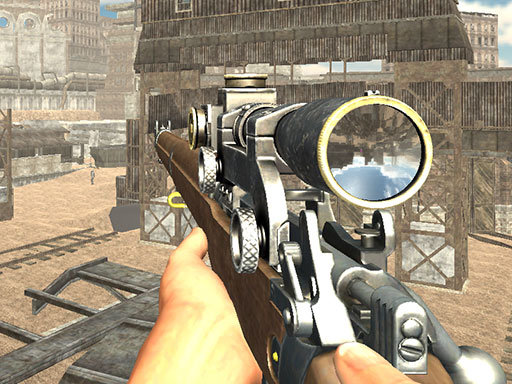
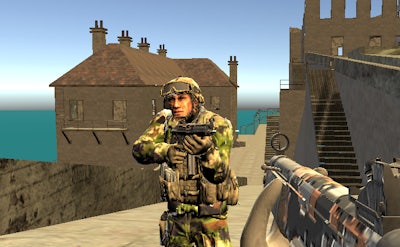
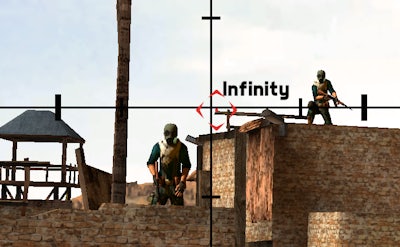
Heavy Combat drops you into a gritty urban warzone where an elite mercenary must shut down a terrorist network. Three hot‑zone missions crank the tension, and every alley, rooftop, and subway tunnel screams danger. The city’s fate hangs on your trigger finger—miss a shot, and the chaos spreads. This isn’t a casual Third Person Shooter; it’s a relentless 3D showdown that demands split‑second decisions. If you crave raw firepower and high‑stakes combat, the battlefield is waiting.
Master the kit, dominate the field. The control scheme is stripped down to pure action, letting you focus on the gun and the mission.
Strategic depth keeps the action fresh. Start each mission by scouting the layout; high ground offers clear lines of sight, while tight corridors demand careful crouch and cover. Swap weapons on the fly—use a pistol for quick headshots, then switch to a machine gun for suppressing fire. Completing side objectives unlocks weapon upgrades and new gear, turning a simple gun into a customized killing machine. Adaptive AI forces you to vary tactics; a static approach gets you instantly outgunned. Master the rhythm of movement, aim, and reload, and the victory cascade will feel inevitable.
Ready to lock and load? Jump into Heavy Combat now and experience the brutal precision that only Pokid can deliver. The city’s countdown has begun—your mission starts the moment you press start.