Controls
- WASD move
- Right mouse button to aim
- Left mouse button to spawn fort part or shoot
- E to cancel building or to pick-up a weapon
- 1234 to switch a weapon
- 5,6, or 7 to build a structure
- Space bar to jump
- L or Escape to toggle mouse cursor lock
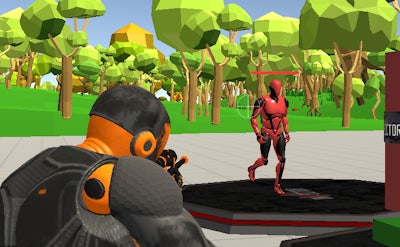


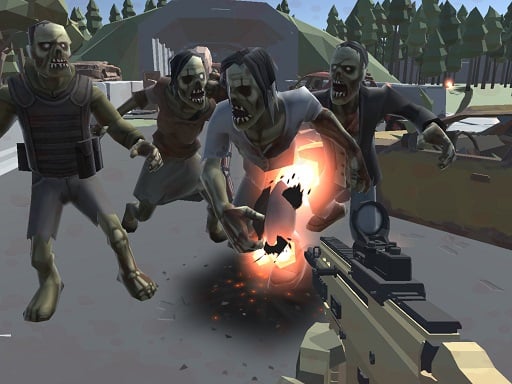
Ever dreamed of building the ultimate fort and defending it against invaders? Look no further than Fort Shooter Simulator, a thrilling 3D simulation game from Pokid that brings your childhood fantasies to life. In this immersive game, you'll construct and customize your own fort using a variety of materials and defensive weapons, then engage in intense battles to protect it from enemy forces.
Getting started with Fort Shooter Simulator is easy, thanks to its intuitive controls. Here's a quick rundown of the basics:
As you progress through Fort Shooter Simulator, you'll need to develop a solid strategy to outmaneuver your opponents. Focus on building a well-rounded fort with a mix of defensive structures and upgradeable weapons. Experiment with different tactics, such as flanking and ambushing, to catch your enemies off guard. With each victory, you'll earn rewards and unlock new materials and equipment to further enhance your fort.
Ready to put your building and combat skills to the test? Head over to Fort Shooter Simulator on Pokid to start building your dream fort today, or visit our Pokid homepage to explore more exciting games and simulations. Don't miss out on the fun – join the battle and become the ultimate fort-building champion!