Controls
- W, A, S, D or arrows to move
- Q to take off/landing
- Space bar to jump/fly up
- C to fly down
- Left mouse button to do a ranged attack
- Right mouse button to do a melee attack
- H to hide interface
- Shift to speed up
- L to lock/unlock cursor
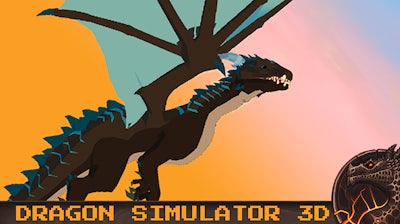


Stop playing as a weak human and start ruling the skies as a legendary beast. Dragon Simulator 3D puts you in the massive claws of a fire-breathing monster in a vast open map. You aren't just an animal; you are the apex predator. Roam the map, terrorize villages, and prove your dominance to everyone who dares to stand in your way. This isn't just another boring walk-in-the-park experience; it is a raw simulation of power and chaos where your only goal is to make your presence known.
Mastering your dragon requires precision and speed. The environment is your playground, and these controls will help you conquer it:
To succeed in this 1 Player experience, you need to think like a predator. Complete every assigned mission to earn gold and level up your dragon's stats. If you want to destroy everything in your path efficiently, focus on chaining your melee and ranged attacks. Keep an eye on your health bar while diving into populated areas to wreak havoc. The more structures you level and enemies you defeat, the more powerful you become. Pro tip: Use your speed boost to close the gap on fleeing targets before they can escape your fury.
If you are looking for top-tier action, look no further than the library at Pokid. We prioritize high-octane fun that fits right in your browser. Whether you want to test your aerial combat skills or just cause pure mayhem across a 3D landscape, this game delivers the goods. It’s time to claim your throne. Head over to Dragon Simulator 3D now and let the destruction begin!