Controls
- WASD or arrow keys = move
- Left-click = mine block
- Right-click = place block
- Q = inventory
- E = action
- F = flight mode
- R = change camera view
- H = hide the interface
- P = pause
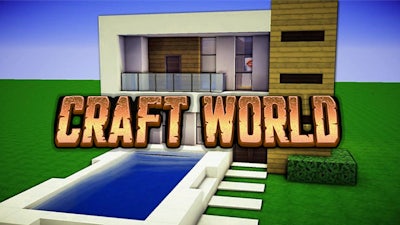


Pokid drops a sandbox where every block screams creativity. Think Minecraft’s blocky charm, but with a sharper pixel aesthetic and a full‑blown 3D simulation engine. You start with a blank canvas, a handful of resources, and an unlimited toolbox of over 300 unique pieces. From cozy cabins to towering citadels, the only limit is how far you’re willing to push your imagination. Every structure you raise feels like a personal trophy, and every new material you discover adds a fresh layer to your world‑building repertoire.
Mastering the basics is a breeze, and the control scheme keeps you glued to the screen. Move, mine, place, and fly with a handful of keys—no tutorials required.
Start small: gather basic ores, craft simple tools, and claim a plot. The early game rewards efficient mining—every vein of coal or iron fuels faster construction. As you expand, layer your builds with decorative furniture and lighting to boost both aesthetics and morale. Keep an eye on the crafting grid; combining rare gems with common blocks unlocks premium designs that can’t be found anywhere else. Seasonal events sprinkle limited‑edition tiles, so logging in daily pays off. The deeper you go, the more advanced simulation mechanics appear, like weather‑affected building stability and NPC traders who sell exotic materials. Master these systems, and your empire will dominate the pixel skyline.
Ready to prove you’ve got the chops? Jump into Craft World today, stack those blocks, and watch your creations rise. Pokid invites you to build, craft, and conquer—your masterpiece is just a few clicks away.