City Auto Rickshaw Game – Fast‑Lane Fun in the Streets
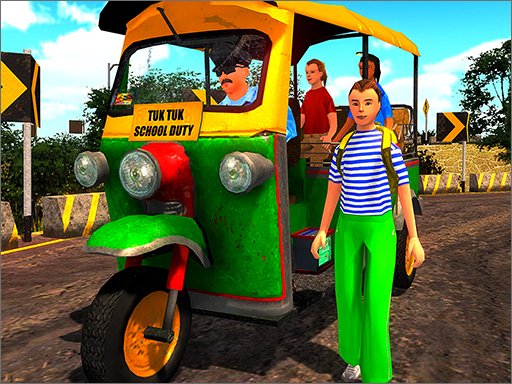
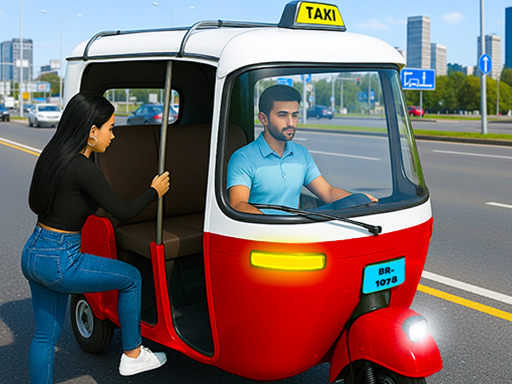
City Auto Rickshaw Game drops you into a bustling metropolis where every passenger counts. You’re behind the wheel of a bright TukTuk, weaving through traffic, dodging potholes, and racing against the clock. The city never sleeps, and neither does the demand for swift driving. Master the art of pick‑up, nail the drop‑off, and watch your reputation soar. Pokid built this title for gamers who crave quick reflexes and street‑smart tactics. If you love the roar of a car engine but crave the charm of a three‑wheeler, this is your playground.
Mechanics
Control the rickshaw with a simple keyboard layout. Move forward, back, left, or right, then tap any on‑screen button with the mouse to activate boosts or honks.
- W Arrow Up → Move Front
- S Arrow Down → Move Back
- A Arrow Left → Move Left
- D Arrow Right → Move Right - To click any button use mouse
Strategy
Speed alone won’t win the day. Study the city grid, learn hotspot routes, and time your moves to avoid rush‑hour snarls. Upgrade your TukTuk’s engine to boost acceleration, but remember that handling matters more than raw horsepower. Use shortcuts through alleys to shave seconds off each mission. Keep an eye on the passenger meter; a full load earns extra cash, but overloading slows you down. Balance risk and reward by taking high‑value fares that sit farther out. Each successful run unlocks new vehicle skins, faster engines, and tighter handling—perfect for the next racing challenge. Pokid’s progression system rewards consistency, so aim for flawless deliveries rather than frantic sprints. When you master the traffic patterns, you’ll feel the city pulse like a living track, and every new level feels like a fresh car race against the clock.
Ready to dominate the streets? Grab the wheel, hit the accelerator, and prove you’ve got the chops to rule the urban lanes. Play City Auto Rickshaw Game now and show Pokid what true street‑racing looks like.
W Arrow Up rarr Move Front S Arrow Down rarr Move Back A Arrow Left rarr Move Left D Arrow Right rarr Move Right - To click any button use mouse