Brainstorming – The Puzzle That Turns Logic Upside Down
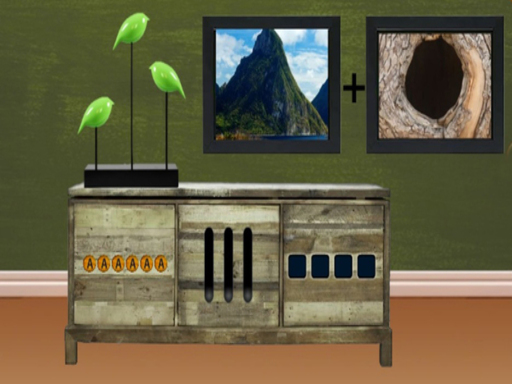
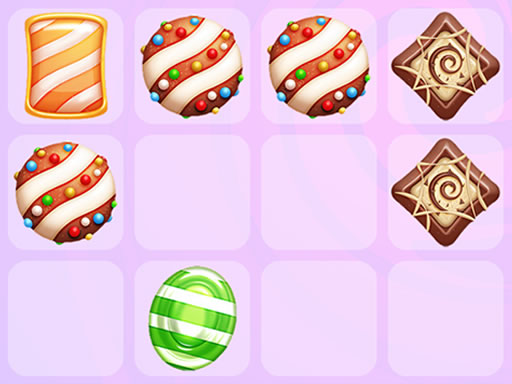
Imagine a 2D brain‑teaser that refuses to play by the rules. Brainstorming tosses conventional logic out the window and forces you to hunt for answers that hide in plain sight. Every level feels fresh, every solution feels like a cheat‑code you just discovered. If you crave a casual, hypercasual experience that still sharpens your mind, this is the kind of brainrot you’ll actually love. One‑player sessions fit perfectly into a coffee break or a long commute, and the game’s quirky twists keep you coming back for more.
Mechanics
The controls are stripped down to the essentials. Tap, drag, and think before you act. Each interaction feels intuitive, yet the puzzles demand a splash of lateral thinking.
- Tap click to interact with objects on the screen
- Drag items to move them around
- Some levels require tapping in several places at once
- Read each task carefully — the answer is often hidden in the question itself
Strategy
Success isn’t about brute force; it’s about spotting the absurd. Start each stage by scanning the entire screen. Look for objects that seem out of place—they often hold the key. When a level feels impossible, pause and reread the prompt. The wording frequently gives away the solution if you treat it as a clue, not a command. Experiment with combinations you’d never consider in a typical logic puzzle. Swapping two unrelated items can unlock a hidden pathway. As you progress, the game subtly ramps up difficulty, introducing multi‑tap challenges and tighter time windows. Mastering these patterns will make you a regular on the Best Games leaderboards for 2025 and 2026 games alike.
Ready to test your mind against the most mischievous puzzle on the market? Jump into Brainstorming now, and let Pokid show you why it’s become a staple of the casual puzzle scene. One tap is all it takes to start the madness—can you outsmart the twists and claim every victory?
Tap click to interact with objects on the screen Drag items to move them around Some levels require tapping in several places at once Read each task carefully mdash the answer is often hidden in the question itself