Controls
- Hold left mouse button to move
- Q to power up
- W to speed up
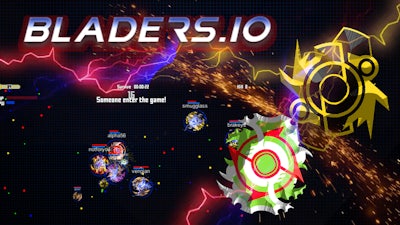


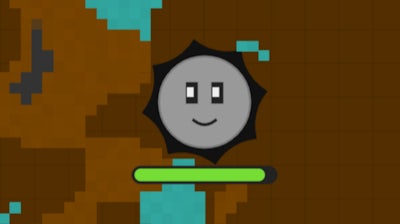
In Bladers every second counts. Spin, dodge, and crush opponents as you fight for supremacy in a relentless survival arena. The moment you launch your blade, the Battle begins – and only the sharpest stay standing. If you love quick reflexes and high‑octane competition, this is the match you’ve been waiting for.
Master the controls and you’ll dominate the field. The scheme is simple, but the execution demands precision:
Winning isn’t just about raw power; it’s about smart Collect habits and positioning. Early in the match, focus on gathering scattered upgrades – each one adds a slice of resilience or a burst of attack. Upgrade paths are linear, so the faster you collect, the sooner you can unlock the next tier of blades. Use your powered‑up spin (Q) to clear clusters of weaker foes, then sprint (W) to the next loot zone before the arena shrinks.
Watch enemy patterns. Players who linger near the arena edge often become easy targets when the safe zone contracts. Circle the center, force opponents into corners, and time your power‑up bursts for maximum impact. Remember, a well‑timed speed boost can turn a near‑death chase into a decisive strike.
Progression rewards keep the adrenaline high. Each victory grants experience points that unlock new blade skins and permanent stat boosts. The more you survive, the richer your arsenal becomes – creating a satisfying loop that fuels endless replay.
Ready to spin your way to the top? Jump into Bladers now and prove you belong in the elite circle of arena champions. Powered by Pokid, this battle‑ready title delivers nonstop action, strategic depth, and a relentless fight for survival. Spin, collect, conquer – the arena awaits.