
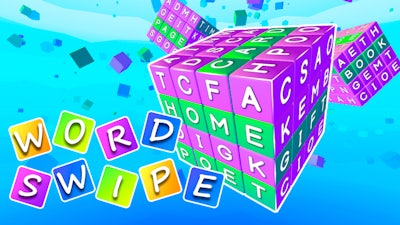
Word Swipe


Word Swipe throws a classic Word challenge into a sleek, Relaxing arena. Swipe tiles, spot patterns, and beat the clock. Every level tests your brain like a mini‑crossword, but without the cramped grids. If you love a mix of logic and quick reflexes, this is the spot where your mental muscles get a workout.
Controls are razor‑simple. Drag the left mouse button to switch the letters. The mechanic feels natural, yet every swipe counts toward the solution. Here’s the quick‑start checklist:
Start by scanning the most common letters—E, A, R, T. Their positions often dictate the hidden pattern. Use the color cues as a mini‑logic board; a green tile locks a letter in place, while yellow nudges you toward the right spot. When you’re stuck, backtrack a move and try a new arrangement; the game rewards experimental thinking. Level progression adds longer words, so expand your vocabulary beyond five‑letter staples. Treat each puzzle like a quick crossword sprint: speed matters, but accuracy keeps the streak alive.
Ready to flex that brain and dominate every tile? Jump into Word Swipe now and feel the rush. Powered by Pokid, the experience is smooth, satisfying, and endlessly replayable. Install, swipe, and start stacking wins today.