Car Obby 3D – Fast Lane Challenge
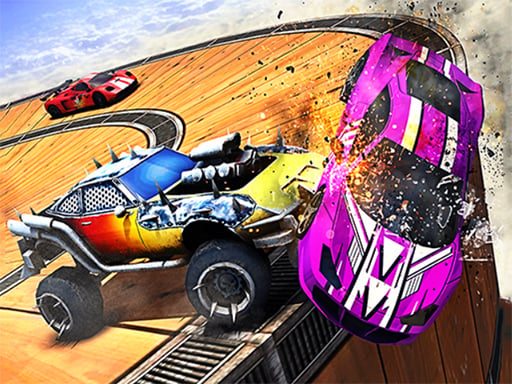
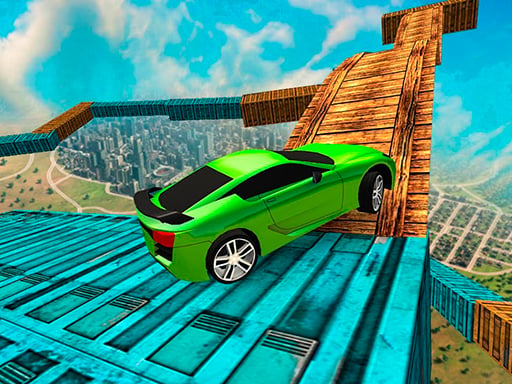
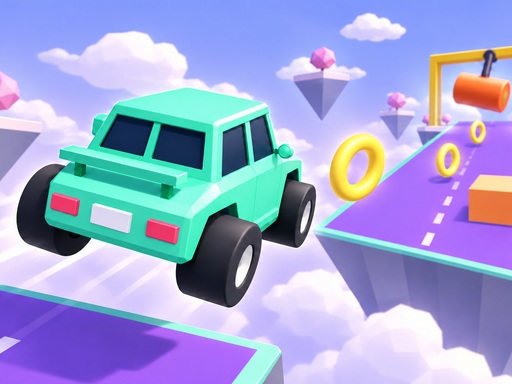
Feel the rush as you steer a tiny car across twelve floating courses that hover above the clouds. Each track throws swinging hammers, spinning blades, and moving platforms your way. Collect coins, hit checkpoints, and chase personal bests. The game runs smooth on WebGL, so you can jump straight into the action on any browser. Pokid built this obstacle playground for anyone who loves quick reflexes and slick driving.
Car Obby 3D Mechanics
Control the car with a handful of keys or taps. Desktop users get full freedom with keyboard commands, while mobile players enjoy one‑hand steering and automatic acceleration.
- Desktop W Up accelerate
- S Down brake and reverse
- A D or Left Right steer
- Space brake
- R reset
- Esc pause
- Mobile automatic acceleration
- drag left right on the thumb pad to steer and down to brake
- Tap a purchased boost to use it
Car Obby 3D Strategy
Master each obstacle by timing your jumps and braking precisely. Start each level by memorizing the pattern of moving platforms; a quick glance saves seconds. Use collected coins to unlock eight car skins, each with a visual flair that doesn’t affect performance. Boosts give short bursts of speed, jump, or flight—activate them when a gap looks too wide or a hammer swings too close. Keep an eye on checkpoints; they reset your position after a fall, letting you focus on improving split times instead of replaying whole sections.
Ready to dominate every floating track? Jump in, start collecting, and push your driving skills to the limit. The next checkpoint is waiting—hit it now and prove you can conquer every obstacle.
Desktop W Up accelerate S Down brake and reverse A D or Left Right steer Space brake R reset Esc pause Mobile automatic acceleration drag left right on the thumb pad to steer and down to brake Tap a purchased boost to use it